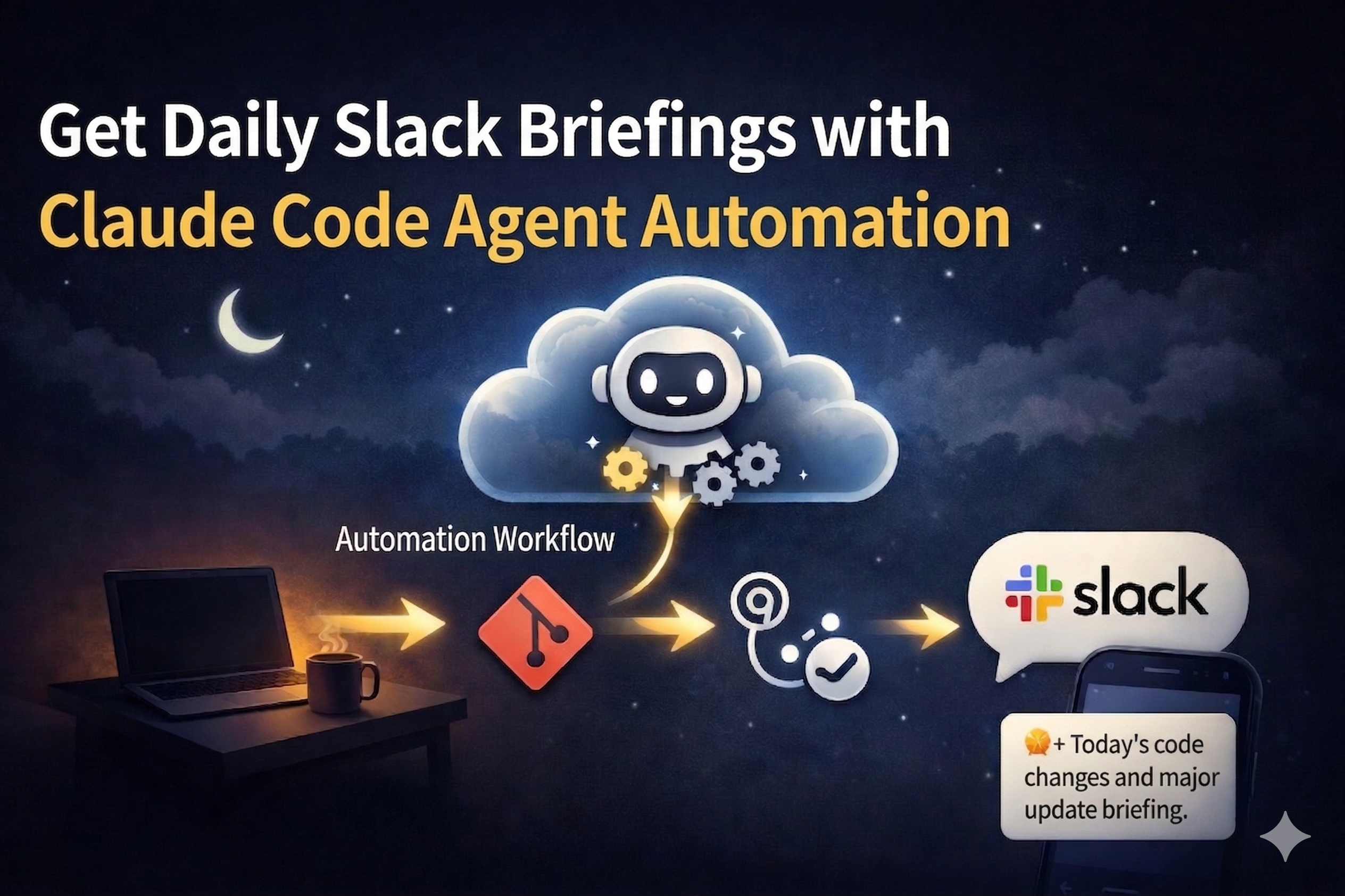
You leave work. The automation keeps running.
Next morning, you open Slack and find a neatly organized summary of everything you did yesterday. You can build this with Claude Code.
I came across a post in a Korean developer community:
Did you know? Claude Code can run automated tasks even when your computer is off. I think this is actually more flexible than OpenCLO, but it doesn’t seem widely known yet.
The comments ranged from “Isn’t it just cloning a repo on a cloud server?” to “How is this different from server-side automation?” But the key point was this: an agent runs on Anthropic’s cloud infrastructure, regardless of whether your machine is on or off.
I’m a solo developer running an attendance management system. I typically have 7-8 Claude Code sessions open simultaneously — one for the server, one for frontend, one for docs, one for bug fixes. Splitting work by session keeps things manageable.
The problem? I’d come back the next morning and have no idea what I was working on. The context-switching cost kept piling up every single morning. Running claude -r (resume) shows a list of sessions, but when you haven’t named them, you’re staring at a wall of UUIDs with no clue which session was which. Naming sessions is one of those things you know you should do but never actually bother with. And once hundreds of sessions pile up, even search becomes useless.
Every morning I’d spend time digging through commit logs and scrolling through session lists, trying to reconstruct yesterday’s context. I figured this could be automated — so I tried.
The Goal: A Slack Briefing Every Morning
Here’s what I envisioned:
- 5:50 PM — “Time to wrap up” reminder
- Before leaving — Run
/wrap-uplocally → summarize sessions + notes → git push - 9:00 AM — Yesterday’s commits + wrap-up analysis → Slack briefing
The morning briefing would include:
- Last night’s memo (what I wrote during wrap-up)
- Yesterday’s commit summary (per submodule)
- Resumable session list (with
claude -r {id}commands) - In-progress features
- Pending decisions
Design: Why “Evening Briefing” Became a “Wrap-Up Reminder”
At first I thought simply: send briefings twice a day.
- Morning: What I did yesterday
- Evening: What I did today
But then I realized the evening briefing would be a duplicate of the next morning’s briefing. An end-of-day commit summary is the same thing viewed 15 hours later. So the evening slot became a reminder, not a report — “It’s 10 minutes before you leave, time to wrap up.”
The Problem: Remote Agents Can’t See Your Local Machine
Here’s where it got interesting. I wanted the morning briefing to include a list of yesterday’s active sessions, with resume commands like claude -r a4b86b4b.
But the remote agent runs on Anthropic’s cloud. It can’t access my local PC’s Claude Code session files (~/.claude/sessions/).
The Solution: Local Wrap-Up → Git → Cloud Reads It
The architecture that emerged:
- Evening reminder sends a Slack message: “Run wrap-up”
- I run
/wrap-upin local Claude Code — where it CAN read session files /wrap-upsummarizes sessions + my notes intocheckus-docs/sessions/YYYY-MM-DD.mdand pushes- Next morning, the remote agent reads this file and includes it in the briefing
The git repo becomes a shared store between local and cloud.
How Session Records Work
Claude Code stores per-session JSONL files in ~/.claude/projects/{project}/. Each file contains sessionId, timestamp, gitBranch, and the full conversation history.
The /wrap-up skill scans today’s session files and generates a table like:
| # | Session ID | Branch | Topic | Resume Command |
|---|-----------|--------|-------|----------------|
| 1 | a4b86b4b | dev | F274 PIN refactor | `claude -r a4b86b4b` |
| 2 | 0ee505d3 | dev | Kiosk API redesign | `claude -r 0ee505d3` |
Running it from one session can read all other sessions’ JSONL files, so you only need to run it once.
“What to do tomorrow” Requires Human Input
Commit analysis can be automated, but “what should I work on tomorrow” can’t. So /wrap-up asks exactly one question:
“Anything to note for tomorrow?”
This answer appears as the first section of the next morning’s briefing (“Last night’s memo”). Takes about a minute, but saves the “what was I going to do?” moment every morning.
Creating the Scheduled Agent
You can create triggers via the Claude Code CLI (/schedule) or the web UI.
Basic Structure
Remote Trigger (Anthropic Cloud)
├── cron_expression: "0 0 * * *"  (daily 9:00 AM KST = 00:00 UTC)
├── git_repository: your-org/your-repo
├── model: claude-sonnet-4-6
├── allowed_tools: [Bash, Read, Write, Glob, Grep]
└── prompt: "Analyze yesterday's commits and send a Slack briefing"
The agent fresh-clones the repo each run, executes the prompt, and terminates. It has zero context, so the prompt is everything — be specific.
The Submodule Trap
Our project uses git submodules (server, teacher-web, student-mobile, docs, infra). When the remote agent clones the repo, submodules aren’t automatically initialized. You need this at the top of your prompt:
git submodule update --init --recursive
Skip this, and the agent only sees parent repo commits — resulting in a sad “no commits yesterday” briefing.
The Rabbit Hole: Slack Notifications Won’t Work
This is where the real story begins. Three attempts, three different failures.
Attempt 1: Slack MCP Connector → No Notifications
Claude Code can connect to Slack via MCP (Model Context Protocol). Setup is easy, messages send fine.
Problem: Slack MCP sends messages as your own account. Slack doesn’t notify you about your own messages. DM or channel, doesn’t matter.
I tried adding @mentions, but mentioning yourself in your own message still triggers nothing.
Attempt 2: curl + Slack Incoming Webhook → Network Blocked
Slack bot webhooks send as a bot, so notifications should work.
curl -X POST -H 'Content-type: application/json' \
  --data '{"text":"message"}' \
  https://hooks.slack.com/services/T.../B.../xxx
Problem: Outbound HTTP requests from the remote agent environment are blocked with a 403. The Anthropic cloud environment restricts external HTTP calls.
Attempt 3: Git → GitHub Actions → Webhook ✅
This was never a “Slack” problem. It was a “how do you send a signal to the outside world from a network-restricted environment” problem.
The answer was hiding in plain sight: using Git as a message queue.
Remote Agent          GitHub Actions         Slack
    │                      │                   │
    ├─ Write message JSON  │                   │
    ├─ git commit & push ──→                   │
    │                      ├─ Detect push      │
    │                      ├─ Read JSON        │
    │                      ├─ curl webhook ────→│
    │                      ├─ Delete file & push│ ✅ Bot notification!
    │                      │                   │
The remote agent writes its analysis as a JSON file and pushes. GitHub Actions detects the push and forwards it via webhook. GitHub Actions has no network restrictions, so it works perfectly.
Implementation
1. Remote Agent Prompt (Key Parts)
## Steps
1. git submodule update --init --recursive
2. Collect commits from each submodule
3. Build message text
4. Write to checkus-docs/slack-messages/morning-{date}.json
5. git add → commit → push
The JSON the agent produces:
{"text": ":sunny: Morning Briefing — 2026-03-29\n\n:bar_chart: Yesterday's commits\n..."}
2. GitHub Actions Workflow
name: Send Slack Briefing

on:
  push:
    paths:
      - 'slack-messages/*.json'

jobs:
  send-slack:
    runs-on: ubuntu-latest
    steps:
      - uses: actions/checkout@v4

      - name: Send pending messages to Slack
        env:
          SLACK_WEBHOOK_URL: ${{ secrets.SLACK_BRIEFING_WEBHOOK_URL }}
        run: |
          for file in slack-messages/*.json; do
            [ -f "$file" ] || continue
            response=$(curl -s -o /dev/null -w "%{http_code}" \
              -X POST -H 'Content-type: application/json' \
              -d @"$file" "$SLACK_WEBHOOK_URL")
            if [ "$response" = "200" ]; then
              git rm "$file"
            fi
          done

      - name: Cleanup sent messages
        run: |
          if ! git diff --cached --quiet; then
            git config user.name "github-actions[bot]"
            git config user.email "github-actions[bot]@users.noreply.github.com"
            git commit -m "chore: cleanup sent slack messages"
            git push
          fi
When a JSON file is pushed to slack-messages/, the workflow fires → sends to Slack → deletes the file.
3. /wrap-up Skill (Local)
Running /wrap-up in local Claude Code before leaving:
- Scans today’s session JSONL files
- Auto-collects today’s commits
- Asks for “what to do tomorrow” memo
- Saves to
checkus-docs/sessions/YYYY-MM-DD.md→ commit & push
The morning briefing agent reads this file the next day.
Full Architecture
[Daily 5:50 PM KST]
Remote Agent → Analyze commits → Push evening JSON → GitHub Actions → Slack bot
                                                                        │
[User]                                                          "Time to wrap up!"
  └─ Run /wrap-up in Claude Code
       └─ Session summary + memo → Push sessions/YYYY-MM-DD.md

[Daily 9:00 AM KST]
Remote Agent → Analyze commits + sessions file → Push morning JSON → GitHub Actions → Slack bot
                                                                                        │
[User]                                                                          "Morning briefing!"
Cost
- Remote Trigger: Included in Claude Code Max subscription (no extra cost)
- GitHub Actions: 2,000 minutes/month free even for private repos (this workflow takes under 30 seconds per run)
- Slack Incoming Webhook: Free
Summary
| Method | Sends | Notification | Network | Result |
|---|---|---|---|---|
| Slack MCP | ✅ | ❌ (self→self) | ✅ | Failed |
| curl webhook | ✅ | ✅ (bot) | ❌ (403) | Failed |
| Git + GitHub Actions | ✅ | ✅ (bot) | ✅ | Success |
The network restriction on Claude Code Remote Triggers is the current default. But since git push works, using GitHub Actions as a bridge lets you integrate with virtually any external service. Slack, Discord, Telegram, email — if it has a webhook, it works.
As a solo developer, there’s no one to ask “what did we do yesterday?” Now a bot tells me every morning. Pretty satisfying.
Comments